
Claude Code gets hands 🤙 , Gemini 3.5 slips months 🗓️, Musk rewrites Cursor's seat math 🧾
Computer use lands in Claude Code's research preview, Google delays its flagship, the SpaceX era at Cursor hits pricing and market share, and a prompt that QAs your landing page by actually clicking

Hello AI Builders!
You can stop describing your dashboard to the AI. It can just look now. It has opinions.
Claude Code shipped computer use in research preview this month: the agent that writes your code can now open apps, click through screens, and check its own work. Meanwhile Google delayed Gemini 3.5 Pro by months, and Cursor’s new owner is already rewriting the seat math. The theme this week is trust: what the agent can verify with its own eyes, and what a vendor roadmap is actually worth.
Read time: 6 min
Claude Code gets hands. Opens apps, clicks screens, verifies its own work
Gemini 3.5 Pro slips by months. The roadmap you planned around just moved
Cursor’s SpaceX era hits your seat math. Split usage pools, sliding share
+ 5 signals and one prompt to steal below
New Capability
Claude Code can now click through the apps you already use
Source: Claude Code release notes, research preview shipped the week of July 6. Pro and Max plans, no setup.
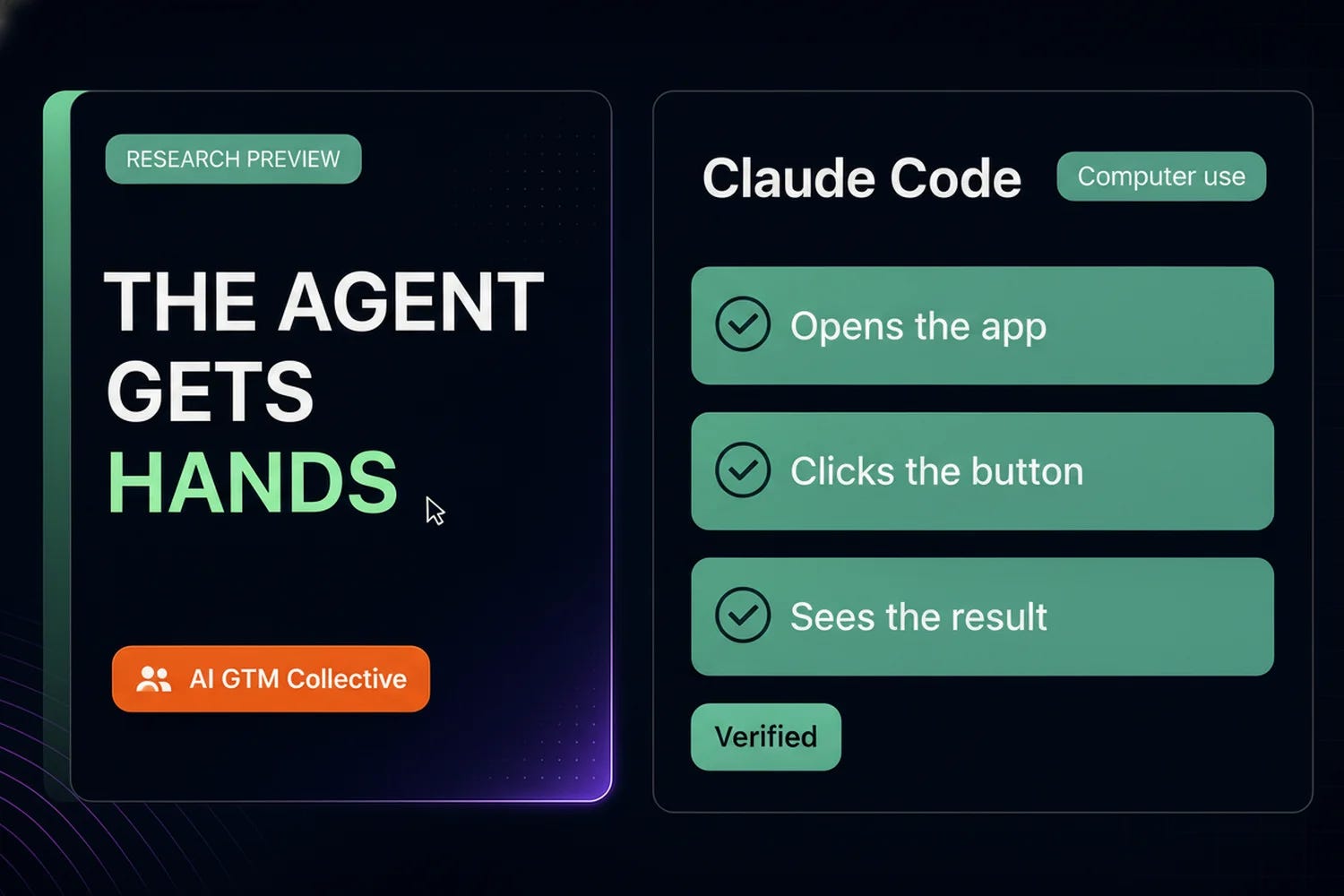
Anthropic put computer use into Claude Code: from the terminal, the agent can open native apps, click through UIs, and visually verify what changed. It stops being a thing that writes instructions and starts being a thing that finishes the job.
What it does: opens apps, points, clicks, navigates what is on your screen, then checks the result with its own eyes, no setup required
Why it matters beyond code: most GTM work is not code, it is clicking. The campaign settings page, the CRM field mapping, the landing page that "looks fine" until a real visitor hits it. Nobody went to business school to click.
The trust shift: the agent can now close its own loop. “I updated the page” becomes “I updated the page, opened it, clicked every link, and here is what I saw”
Try it: hand it one visual check you do by hand every week, like confirming your form actually submits after a site update
GTM Angle: An agent that can look at the screen catches the broken thing before your prospect does. Start with read-only checks, and keep approvals on anything that submits.
Policy Signal
Gemini 3.5 Pro slips by months, and your roadmap bets should notice
Source: industry reporting, July 17 2026. Delayed after internal testing missed the bar on coding and long-horizon reasoning.
Google has delayed the broader release of Gemini 3.5 Pro by several months after internal testing fell short on coding and complex reasoning. Two issues ago this newsletter reported it as “cleared for July,” which is exactly the point: the roadmap moved.
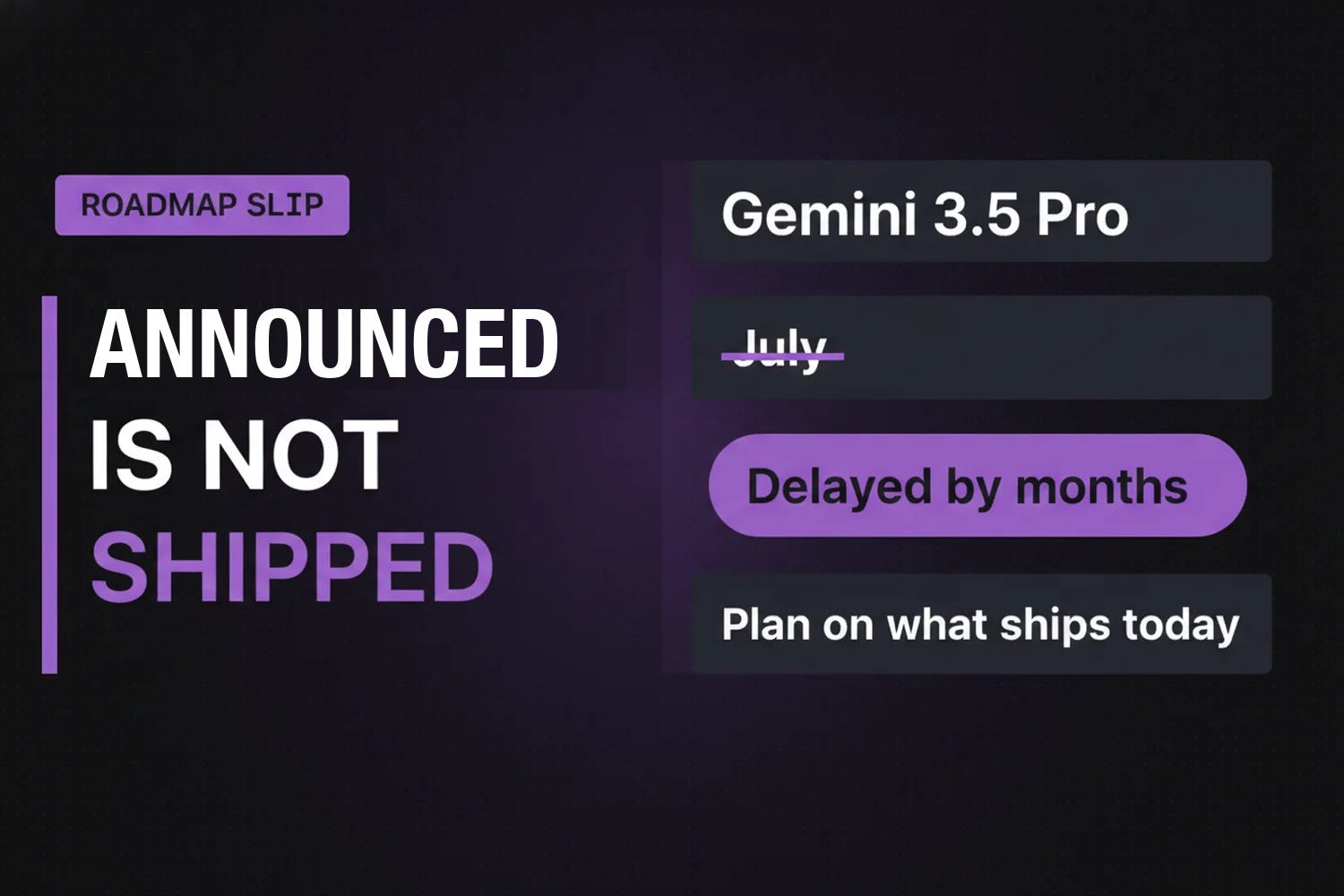
What changed: a flagship that was weeks away is now months away, with coding and long-horizon reasoning named as the gaps
Who feels it: Claygent Navigator and other GTM tools that bet on Gemini as their engine keep running on current models, and the upgrades they teased wait too
The pattern: this is the second roadmap wobble in a week, after Kimi K3’s “weights on July 27” promise. Announced is not shipped
Try it: list the tools in your stack that advertise “powered by [model coming soon]” and ask each vendor what model is serving you TODAY
GTM Angle: Plan your stack on what ships, not on what is announced. A roadmap is a mood board with dates. If a vendor’s differentiator is a model that has not landed, that differentiator does not exist yet. The operator move is boring and effective: buy the capability you can test this week.
Tool Update
Cursor’s SpaceX era is here, and it shows up first in your seat math
Source: The New Stack, July 2026; deal announced June 16. Ramp spend data on share shift.
The $60 billion SpaceX acquisition of Cursor was June’s news. July is when it reaches your invoice: Cursor overhauled Teams pricing on July 9, splitting every seat’s usage into two pools, one for Cursor’s own models and one for third-party models like Claude and GPT.
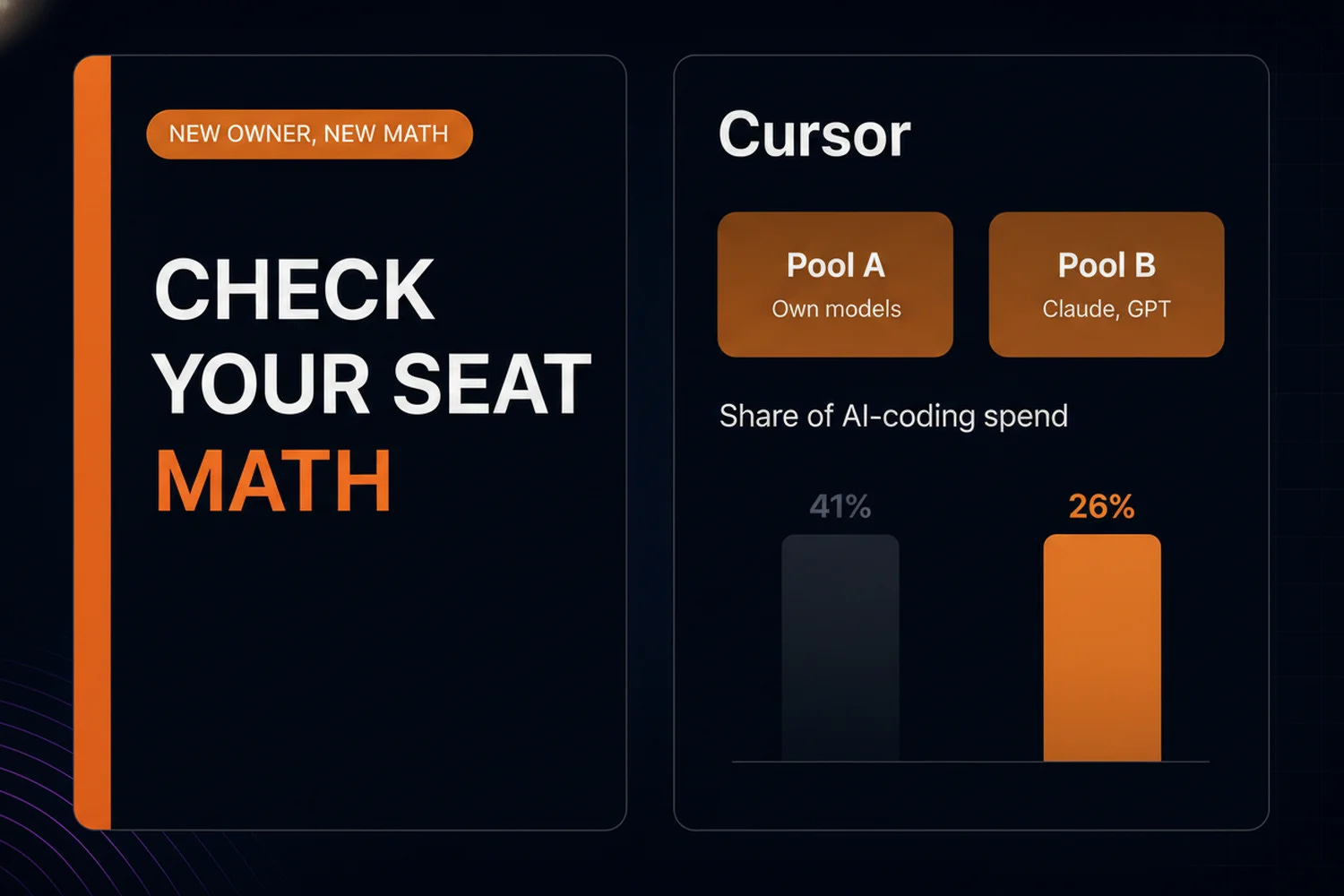
The pricing change: two usage pools per seat, so the same team burns budget differently depending on which model answers
The share shift: per Ramp spending data, Cursor slid from roughly 41% to 26% of AI-coding spend while Anthropic climbed toward 50%
The ownership question: enterprise buyers are now asking where their code flows when their editor belongs to a SpaceX subsidiary
Try it: if your team has Cursor seats, pull one month of usage and check which pool your actual work burns. The answer decides whether the new pricing helps or hurts you
GTM Angle: Tool consolidation is not an abstract industry story, it is a line item. When an anchor tool changes owners, the first things that move are pricing, data terms, and roadmap priorities, in that order. Audit now, before renewal season does it for you.
Signals
Kimi K3 took the top spot on Arena’s Frontend Code leaderboard with a 76% pairwise win rate, ahead of Fable 5 and GPT-5.6 Sol. Yesterday’s open-weight story is today’s benchmark leader, and the weights are still promised for July 27.
Lovable crossed $200M ARR, which answers the “is vibe coding a toy” question with revenue. The tools your team builds on are becoming companies your CFO has heard of.
Microsoft is releasing Project Perception, a multi-model AI security tool that mixes Anthropic, OpenAI, and its own models. Notable pattern: even Microsoft is shipping multi-model, not single-vendor.
The coding stack is going composable: industry coverage now describes Cursor, Claude Code, and Codex as orchestration, execution, and review layers teams combine, not rivals one team picks between. Budget accordingly.
Claude Code now runs Fable 5 with the highest WebDev Arena score in the field, which is part of why the computer-use preview matters: the model doing the clicking is also the strongest one available.
The prompt to steal this week
This one uses the computer-use preview from story one. You point Claude Code at a landing page before launch, and it clicks through the page like a skeptical visitor, then writes you a QA report. Needs Claude Code on a Pro or Max plan with computer use enabled; in Codex, adapt it to run against your page’s HTML instead.
You are a pre-launch QA agent with computer use. My landing page is at
[URL]. Inspect it like a skeptical first-time visitor on a deadline.

Show me your plan before you open anything.

1. Open the page in a browser. Screenshot the first viewport before scrolling.
2. Click EVERY link and button. Record each one: where it says it goes,
   where it actually goes, and any that 404, hang, or loop back.
3. Fill the lead form with obviously fake test data (name "QA Test",
   email "qa-test@example.com"). Do NOT submit it. Report any field
   that breaks, mislabels, or fails validation before submission.
4. Resize to a phone-width window and repeat the scroll-through.
   Screenshot anything that overlaps, clips, or becomes unreadable.
5. Write qa-report.md: a pass/fail table for every link and field,
   the screenshots, and the three issues I should fix first.

Rules:
- NEVER submit any form, complete any purchase, or accept any cookie
  banner beyond what viewing requires.
- Do not log into anything. If a page demands login, note it and stop.
- If the page has tracking parameters, strip them before opening links.
The first run takes about fifteen minutes and replaces the pre-launch click-through nobody actually finishes. Run it on every page before traffic hits, and the “how did we ship that broken button” meeting disappears. No one will miss it. I run a version of this on client landing pages after one shipped with a dead conversion path; the agent finds what tired eyes skip.
Stay Hungry. Stay Foolish.
-Chris
Work With Me
Chris / CEO @ DemandLab Agency
✅ Not sure where your team stands today? Take the AI Maturity Assessment
🏅 Want to get your team up to speed? Explore the DemandLab AI GTM Workshop
📘 Want to learn more about DemandLab? Visit demandlabagency.com
🔗 Want to connect? Find me on LinkedIn